Open an email in Outlook
The Predimail add-in opens in the side panel when you read or reply to an email in Outlook (desktop or web).
Predimail for Outlook is an AI add-in that drafts, classifies and prepares replies directly in Outlook, powered by your shared knowledge base. Your team answers faster, with fewer errors.
No credit card required for trial. CASA attestation & GDPR compliance.
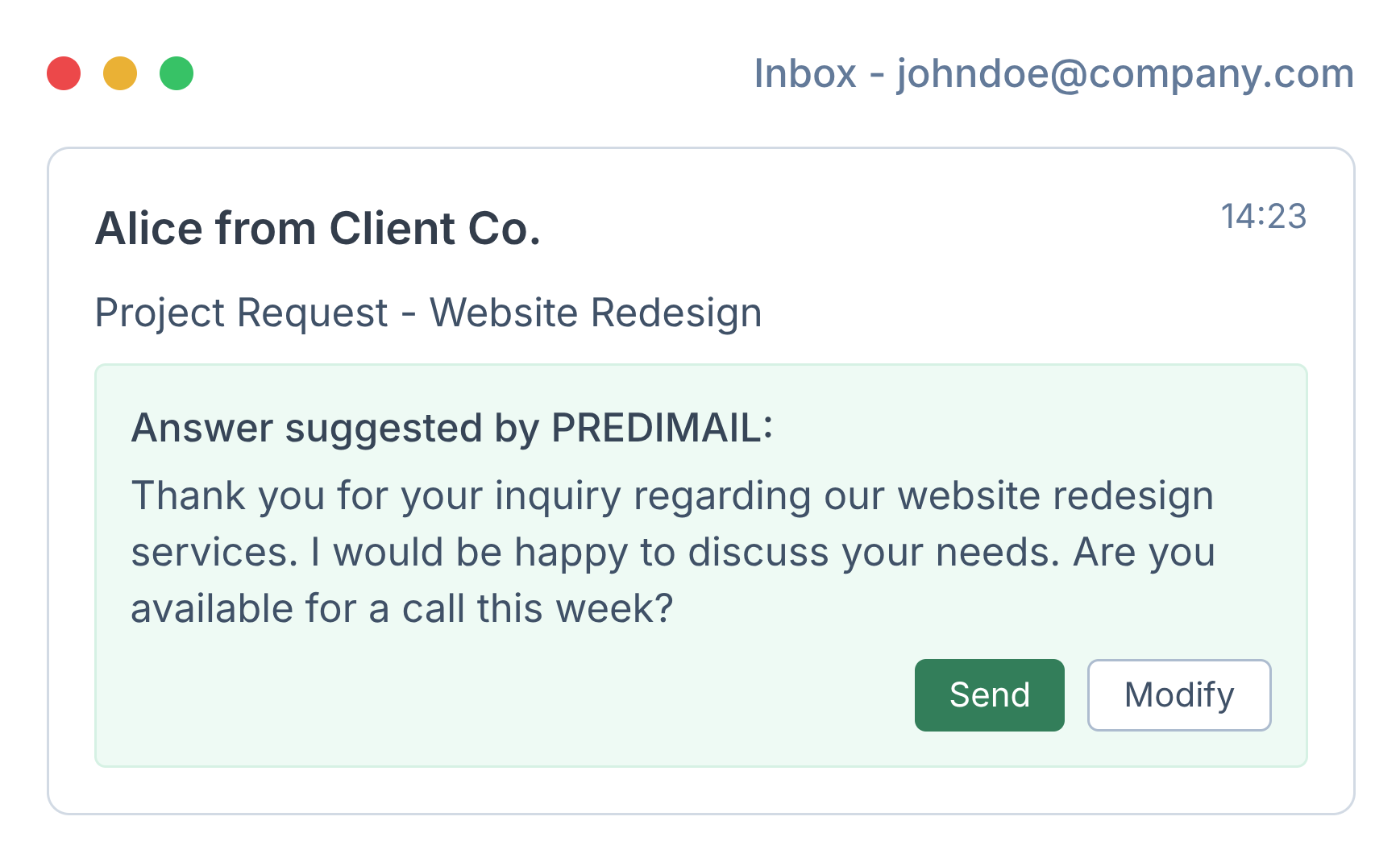
Reduce manual typing, standardise replies and keep control over outbound communication.
Generate context-aware replies directly from the Outlook pane, based on the current thread and your knowledge base.
Tag and route emails by client, project, urgency or team and apply consistent categorization rules across mailboxes.
Reuse validated answers and documentation so every team member can send high-quality, on-brand replies in seconds.
From incoming email to validated reply with minimal effort for your team.
The Predimail add-in opens in the side panel when you read or reply to an email in Outlook (desktop or web).
The AI analyses the email, retrieves relevant content from your knowledge base and identifies similar past replies.
Predimail drafts a suggested answer that respects your tone of voice, constraints and internal policies.
Your team reviews the draft directly in Outlook, adjusts if needed and sends from their usual mailbox.
Validated answers can be added back to the knowledge base to improve future suggestions for similar emails.
Ideal for organisations that manage large volumes of client or operational emails in Microsoft 365.
Ensure that partners and staff reply consistently to recurring questions about fees, deadlines, documents or procedures.
Leverage existing runbooks and past tickets to answer faster while keeping traceability and quality of communication.
Route, prioritise and answer operational emails more efficiently without multiplying tools or changing your Outlook habits.
Install the Outlook add-in or schedule a live demo to see how Predimail fits your workflows.